

Did you know Monto CRM includes a lot more than just a basic customer list?
If you haven’t taken a fresh look at the app in a while, here are a few useful features that can help you stay organized, follow up faster, and get more value from your customer data:
Build smarter customer segments
Monto CRM gives you flexible segment options to help you better understand and organize your audience. You can segment by things like recent order timeframes, customer country, lifetime value, and more to create more targeted groups for follow-up and analysis.

Create and assign tasks for your team
Need to follow up with a lead or hand off a customer to someone else? You can create tasks, assign them to team members, add due dates, and connect them directly to customer profiles so nothing slips through the cracks.
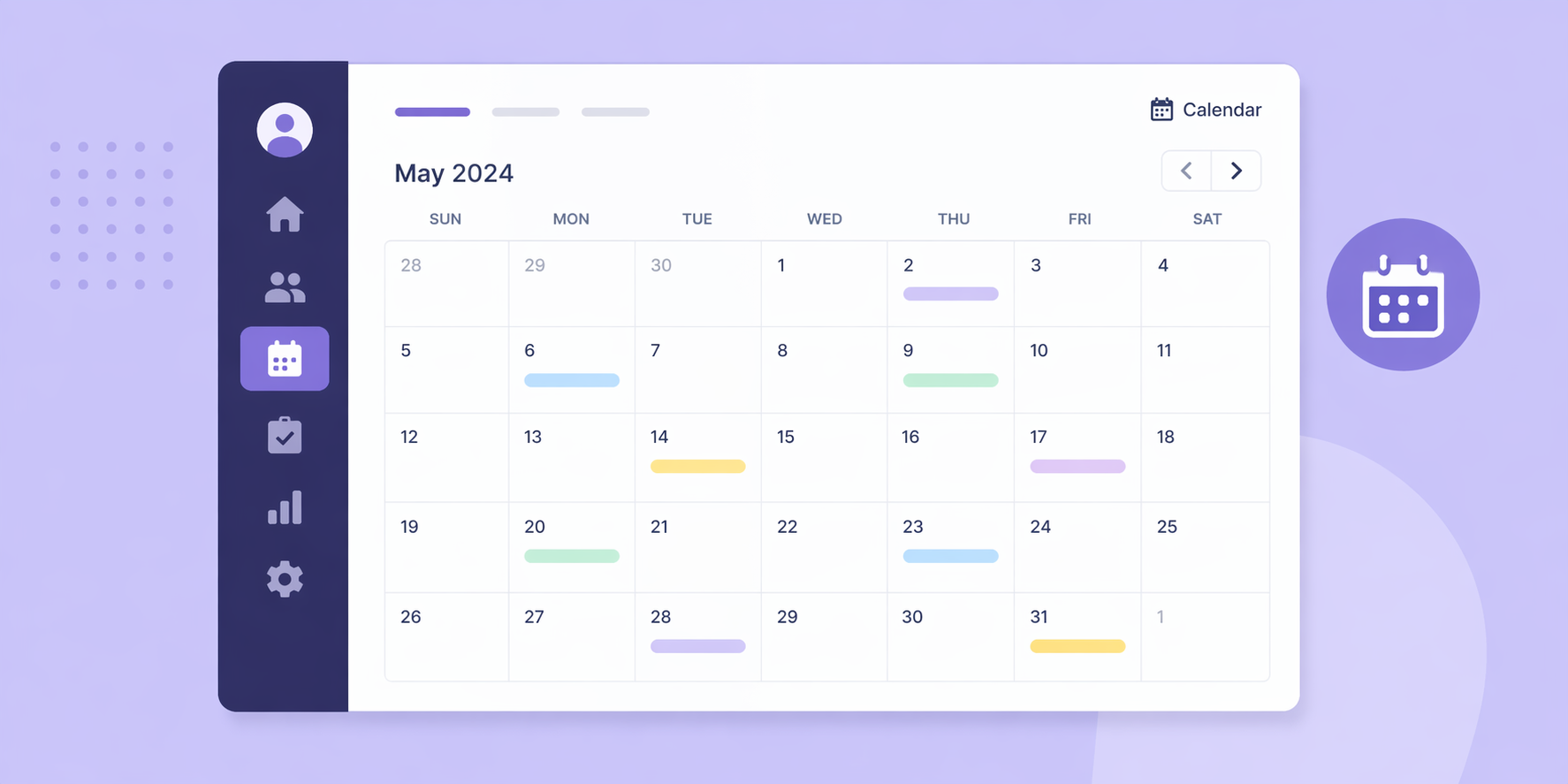
Use calendar view to stay on top of tasks
If you prefer planning visually, tasks can also be viewed in a calendar layout. You can switch between list view and calendar view in the Tasks tab, whichever works best for your workflow.

Add private notes to orders & abandoned carts
You can leave internal notes on abandoned carts, making it easier to track follow-up details and keep your team aligned. This is especially useful when managing leads that have not converted yet.
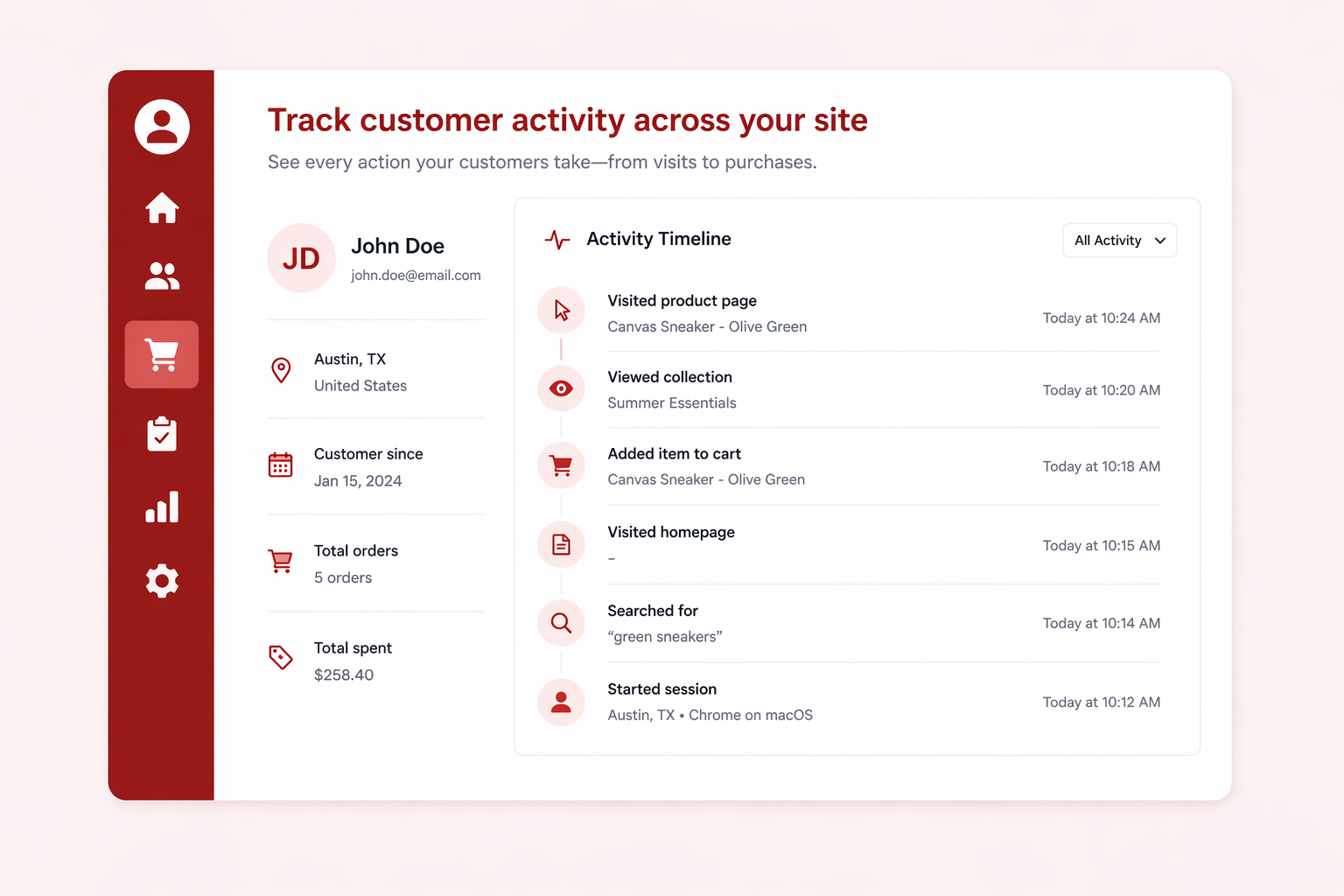
Track customer activity across your site
Monto CRM keeps a log of customer activity tied to your Monto apps, so you can better understand how people are interacting with your store. It is a helpful way to spot patterns, understand behavior, and make better follow-up decisions.
There are also a number of helpful improvements throughout the app, including better lead handling, improved task organization, more complete customer history imports, and clearer note visibility tied to specific orders.
And did we mention... Monto CRM is completely FREE to use, so if you have a Webflow Ecommerce or CartGenie site, you can add it and start using it now.
We’d love your feedback. Just hit reply and let us know:
1. Have any of these features been useful for you?
2. What’s the #1 thing you’d most like us to add next?
Thanks again for using Monto!


